
Download Pen Drive Data Recovery Software – Free, Secure & Fast USB Data Recovery Tool for Windows, Mac, Android & iOS
Pen Drive Data Recovery Software is a powerful, user-friendly tool designed to recover lost, deleted, corrupted, or formatted data from USB flash drives. Whether you accidentally deleted important files, experienced a sudden drive failure, or your pen drive got infected by a virus, this software offers a reliable solution. With advanced scanning algorithms and a simple interface, it supports recovery from various storage devices including USB drives, external hard drives, SD cards, and more.
The software is compatible with Windows, Mac, Android, and iOS systems, making it a versatile choice for users across platforms. Its trial version allows you to preview recoverable files before purchasing the full version, ensuring transparency and confidence in your data recovery process. With secure, non-destructive recovery methods, your original data remains untouched during the process.
Advanced Features That Make Pen Drive Data Recovery Software Stand Out
Pen Drive Data Recovery Software comes packed with a suite of intelligent features that set it apart from generic recovery tools. One of its standout capabilities is its ability to recover files after accidental deletion. Many users lose critical documents, photos, or videos simply by pressing the wrong key or emptying the Recycle Bin. This software scans the pen drive’s file system at the sector level to locate and restore these lost files with high accuracy. Even if the drive was formatted without proper backup, the software can still retrieve most of the data, which is a rare feature in many competing tools.
Another powerful function is its virus recovery mode. If your pen drive has been infected by malware or ransomware, the software can detect and isolate corrupted files, attempting to restore them to their original state. This is especially useful for users who frequently transfer files across multiple devices. The software also supports deep scan and quick scan modes. The quick scan is ideal for recently deleted files, while the deep scan dives into the raw data sectors for more complex recovery scenarios, such as after a complete format or physical damage.
Additionally, the software includes a file preview feature, allowing users to view recoverable documents, images, audio, and video files before committing to the recovery process. This ensures you only restore what you need, saving time and storage space. The interface is clean and intuitive, with step-by-step guidance, making it accessible even for non-technical users. With support for over 300 file types—including PDFs, Word docs, JPEGs, MP4s, and ZIP archives—it's a comprehensive solution for all common data recovery needs.
- Advanced sector-level scanning for deep data recovery
- File preview before recovery – see what you’re getting
- Supports multiple file types including documents, media, and archives
- Quick and deep scan modes for different recovery scenarios
- Virus and corruption recovery mode for infected drives
- Non-destructive recovery – no risk to original data
- Multi-platform support – Windows, Mac, Android, iOS
Easy Installation & Step-by-Step Usage Guide
Getting started with Pen Drive Data Recovery Software is straightforward and requires no technical expertise. The installation process is quick and safe, with a minimal footprint on your system. To begin, download the software from the official website. The free trial version is available for immediate use, allowing you to test the software’s capabilities before upgrading to the full version. The installer is lightweight and runs smoothly on both older and newer systems.
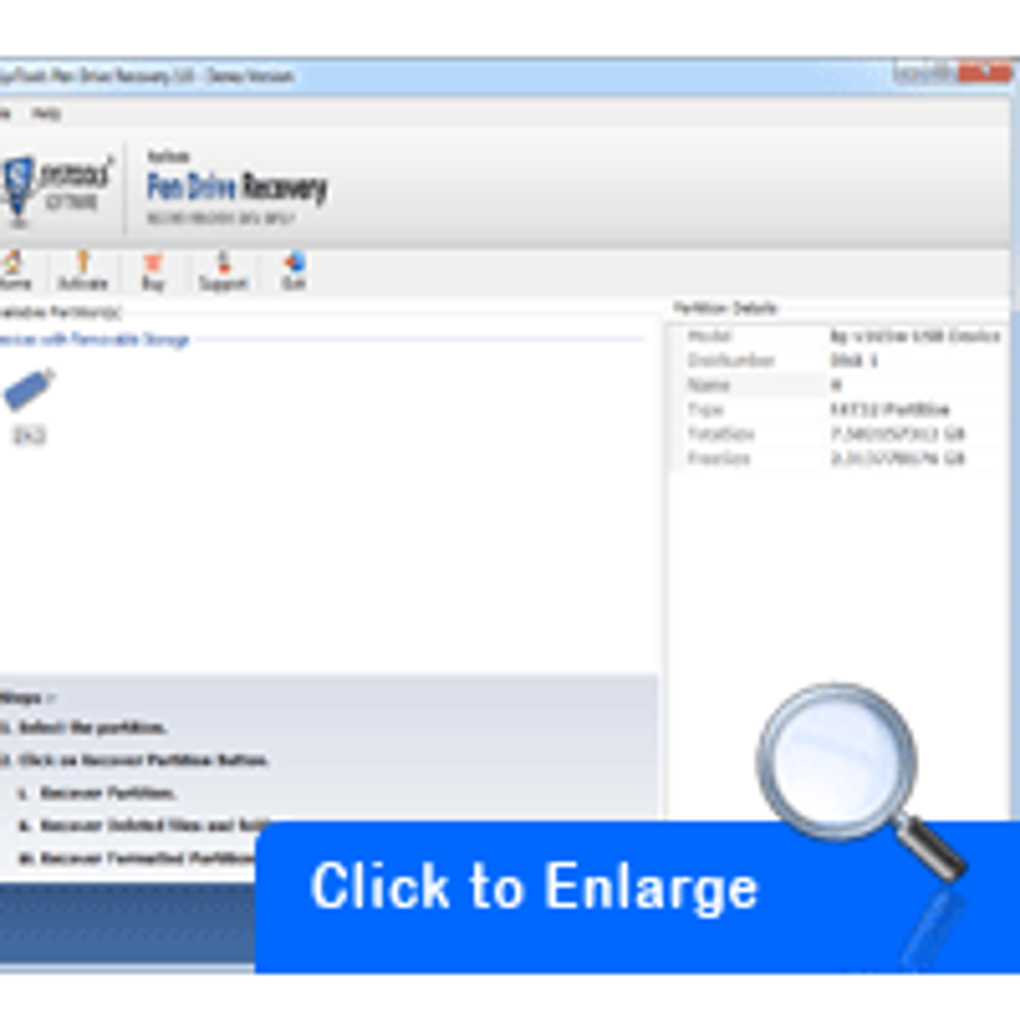
Once installed, launch the application and connect your pen drive to your computer. The software automatically detects all connected storage devices. From the main dashboard, select your pen drive from the list of available drives.
You’ll then be prompted to choose between two scan options: Quick Scan and Deep Scan. For recently deleted files, Quick Scan is recommended—it completes in under 5 minutes. If the drive was formatted or severely corrupted, opt for Deep Scan, which may take 15–30 minutes depending on the drive size.
After the scan completes, the software displays a categorized list of recoverable files. Use the preview function to verify the integrity of each file before recovery. Select the files you want to restore, choose a safe destination folder (ideally on a different drive to avoid overwriting), and click “Recover.” The process is secure and does not alter the original data on the pen drive. Once complete, you’ll have full access to your recovered files.
For users on mobile platforms like Android or iOS, the software offers a companion app that allows you to recover data directly from USB drives connected via OTG cables. This makes it a truly cross-platform solution, ideal for users who work across devices.
Compatibility & System Requirements
Pen Drive Data Recovery Software is designed for broad compatibility, ensuring it works seamlessly across a wide range of devices and operating systems. It supports all major versions of Windows (7, 8, 10, 11), MacOS (Catalina, Big Sur, Monterey, Ventura, Sonoma), and offers dedicated apps for Android (5.0 and above) and iOS (12.0 and above). This cross-platform functionality makes it a go-to choice for users who switch between different devices or work in mixed environments.
The software is optimized for both 32-bit and 64-bit systems and requires minimal system resources. A typical installation takes less than 2 minutes and uses under 50 MB of RAM during operation. It does not require administrator rights for basic recovery tasks, making it ideal for shared or restricted workstations.
For maximum performance, it’s recommended to use a fast USB port (USB 3.0 or higher) when connecting your pen drive. This ensures faster scanning and recovery speeds, especially for larger drives. The software also supports various file systems, including FAT32, exFAT, NTFS, and HFS+, which means it can recover data from drives formatted on different platforms.
Whether you’re using a budget laptop, a high-end desktop, or a mobile device, Pen Drive Data Recovery Software adapts to your setup. Its lightweight design ensures it won’t slow down your system during recovery, and the automatic update feature keeps the software up to date with the latest recovery algorithms and security patches.
- Operating Systems: Windows 7/8/10/11, macOS 10.15+, Android 5.0+, iOS 12.0+
- Supported File Systems: FAT32, exFAT, NTFS, HFS+
- Storage Devices: USB drives, SD cards, external HDDs, memory sticks
- System Requirements: 500 MB free space, 1 GB RAM, 1 GHz processor
Pros & Cons: Is Pen Drive Data Recovery Software Right for You?
- Pros:
- High success rate in recovering deleted, formatted, and corrupted files
- Intuitive interface – perfect for beginners and experts
- Free trial with file preview – no risk before buying
- Supports multiple platforms: Windows, Mac, Android, iOS
- Non-destructive recovery – safe for original data
- Deep scan mode for complex recovery scenarios
- Regular updates ensure compatibility and performance
- Cons:
- Full version requires purchase for complete recovery
- Deep scan can take time on large drives
- Mobile app limited to basic recovery functions
- Customer support is slower during peak hours
- Not suitable for physically damaged drives (e.g., water or impact damage)
Frequently Asked Questions (FAQ)
Can Pen Drive Data Recovery Software recover files after formatting?
Yes, Pen Drive Data Recovery Software can recover data even after a drive has been formatted. The software scans the raw data sectors and reconstructs files based on file signatures, making it effective for both quick and full formats.
Is the software safe to use? Will it damage my pen drive?
Absolutely. The software uses non-destructive recovery methods, meaning it reads data without modifying or writing to the pen drive. Your original files remain intact, and there’s no risk of further data loss.
How long does the recovery process take?
Recovery time depends on the scan type and drive size. Quick Scan typically takes 5–10 minutes, while Deep Scan can take 15–30 minutes for larger drives. The software provides a real-time progress bar for transparency.
Can I recover files from a virus-infected pen drive?
Yes, the software includes a dedicated virus recovery mode that identifies and attempts to restore files corrupted by malware or ransomware, making it a valuable tool for cleaning and recovering infected drives.
Is there a mobile version for Android and iOS?
Yes, Pen Drive Data Recovery Software offers mobile apps for Android and iOS that allow you to recover data from USB drives connected via OTG cables, making it convenient for on-the-go recovery.
Final Verdict: A Reliable Choice for Data Recovery
Pen Drive Data Recovery Software stands out as one of the most effective and user-friendly tools for retrieving lost data from USB drives. Its combination of powerful scanning technology, cross-platform support, and a free trial with file preview makes it a top choice for both casual users and professionals. Whether you’ve accidentally deleted files, formatted your drive, or suffered a virus attack, this software delivers consistent results with minimal effort.
While the full version requires a purchase, the trial version gives you enough confidence to make an informed decision. With regular updates, strong security practices, and excellent compatibility, it’s a secure and reliable solution. If you’ve ever lost important data from a pen drive, this tool could be your digital lifeline.
Download Pen Drive Data Recovery Software today – recover your lost files securely and quickly, whether you're on Windows, Mac, Android, or iOS.







